
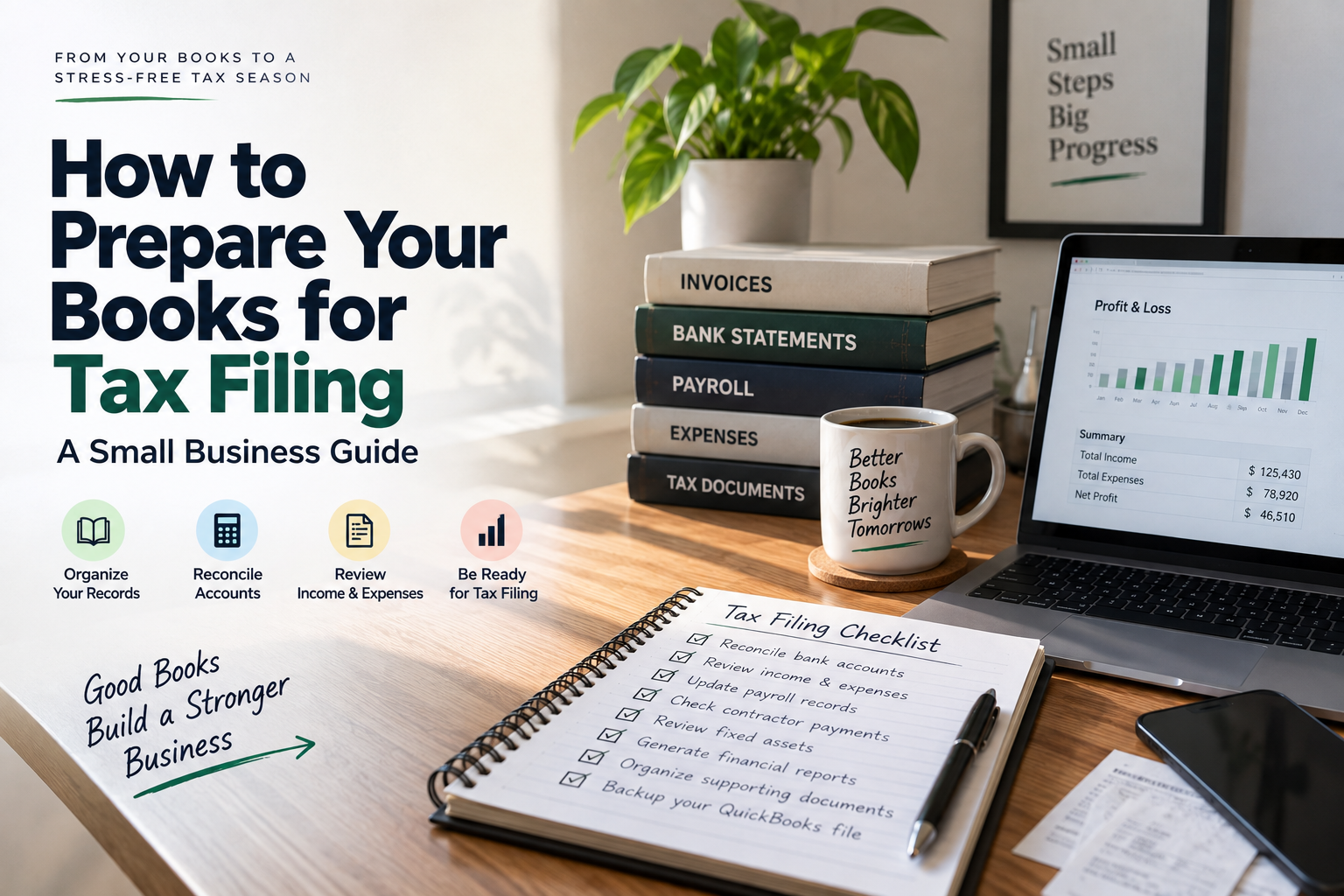

Tax filing becomes much easier when your accounting records are complete, reconciled, and well-documented.
For small businesses using QuickBooks Desktop, preparing your books for tax filing means more than simply running a Profit and Loss report. You need to make sure income is recorded correctly, expenses are categorized consistently, bank and credit card accounts are reconciled, payroll and contractor records are complete, fixed assets are accounted for, and supporting documents are organized.
The IRS says good business records help taxpayers prepare financial statements, identify income, track deductible expenses, prepare tax returns, and support the items reported on those returns. The IRS also says your recordkeeping system should clearly show business income and expenses and be supported by documents such as invoices, receipts, bills, deposit slips, and canceled checks.
For Canadian businesses, the CRA similarly requires records that support income and expense claims and generally requires business records to be retained for at least six years from the end of the related tax year.
This guide walks through how to prepare your books for tax filing in a practical step-by-step process.
Why You Should Prepare Your Books Before Tax Filing
Tax returns are prepared from financial information. If the underlying bookkeeping is incomplete or inaccurate, the tax information you provide may also be incomplete.
Clean books help you:
- Identify all business income
- Find missing or duplicated transactions
- Track potentially deductible expenses
- Reconcile bank and credit card accounts
- Verify accounts receivable and accounts payable
- Review payroll records
- Track fixed assets
- Prepare accurate financial statements
- Give your tax professional organized records
- Support amounts reported on the tax return
The IRS notes that good records can help identify sources of income, track deductible expenses, prepare tax returns, and support reported items if the return is examined.
For Canadian businesses, the CRA states that complete records can help support deductions and GST/HST input tax credits and can make a review or audit easier.
Quick Tax-Ready Bookkeeping Checklist
Before sending your books to your tax professional, make sure you have completed these core tasks:
| Bookkeeping task | What to check |
| Bank reconciliation | Every business bank account reconciled |
| Credit card reconciliation | Charges and payments match statements |
| Income review | All business income recorded |
| Expense review | Expenses categorized correctly |
| Accounts receivable | Outstanding invoices reviewed |
| Accounts payable | Unpaid bills reviewed |
| Payroll | Wages and payroll liabilities verified |
| Contractors | Contractor payments and records reviewed |
| Fixed assets | Purchases, disposals, and asset records updated |
| Loans | Principal and interest separated correctly |
| Owner transactions | Draws, contributions, and personal transactions reviewed |
| Inventory | Inventory records and adjustments reviewed where applicable |
| Financial reports | P&L, Balance Sheet, and other required reports generated |
| Supporting documents | Receipts, invoices, statements, and other evidence organized |
| Backup | Current QuickBooks company file backed up |
Step 1: Choose the Correct Tax Period
Before reviewing transactions, confirm the tax period you are preparing.
For many small businesses, this will be the calendar year, but not every business follows the same tax year.
Confirm:
- Beginning date of the tax year
- Ending date of the tax year
- Business entity type
- Accounting method
- Prior-year closing balances
- Whether the books include the complete tax period
Do not begin making year-end adjustments until you know which reporting period you are preparing.
If you are unsure about your accounting method or how a transaction should be treated for tax purposes, consult your tax professional.
Step 2: Back Up Your QuickBooks Company File
Before making significant cleanup or year-end adjustments, create a current backup of your QuickBooks company file.
Your backup provides a recovery point if:
- A transaction is accidentally deleted
- A large batch of transactions is changed
- A year-end adjustment is entered incorrectly
- Your company file becomes damaged
- You need to compare the original records with the adjusted version
Keep the backup in a secure location and use a clear naming convention that identifies the company and tax year.
Step 3: Reconcile Every Bank Account
Bank reconciliation should be one of the first major steps in preparing your books.
Compare each QuickBooks bank account with the corresponding bank statement.
Check for:
- Missing transactions
- Duplicate transactions
- Incorrect amounts
- Transactions recorded in the wrong account
- Outstanding checks
- Deposits in transit
- Bank fees
- Interest income
- Transfers between accounts
The goal is not simply to make the reconciliation difference equal zero. You should also investigate unusual or unexplained reconciling items.
The IRS notes that business records should contain enough information to determine gross receipts and business expenses, while supporting documents provide evidence for the entries in the books.
If your books contain a large reconciliation backlog, getting online bookkeeping services can help bring transaction records, reconciliations, and month-end bookkeeping up to date before tax preparation.
Step 4: Reconcile Business Credit Cards
Do the same review for every business credit card.
Verify:
- Beginning balance
- Charges
- Payments
- Credits
- Refunds
- Interest
- Finance charges
- Year-end balance
Pay particular attention to personal purchases made with a business card.
Do not automatically classify a personal transaction as a business expense simply because it appears on a business credit card statement.
Step 5: Review All Business Income
Your books should contain a complete record of business income for the tax period.
Review:
- Customer invoices
- Sales receipts
- Cash sales
- Credit card receipts
- ACH payments
- Payment processor deposits
- Checks
- Other business income
- Interest or miscellaneous income where applicable
Compare your accounting records against bank deposits, payment processor reports, sales systems, and other available source documents.
The IRS recommends retaining supporting documentation that identifies the amounts and sources of gross receipts, including invoices, receipts, deposit information, and other records.
Watch for duplicate income
A common bookkeeping problem occurs when a payment is recorded as income and the same payment is also included through a bank-feed transaction.
This can inflate revenue.
Review unusual income spikes and large unexplained deposits before finalizing the books.
Step 6: Review and Categorize Business Expenses
Go through your expense accounts and look for transactions that may need review.
Common categories include:
- Advertising
- Office expenses
- Software
- Insurance
- Rent
- Utilities
- Professional fees
- Bank charges
- Interest
- Travel
- Vehicle expenses
- Repairs and maintenance
- Supplies
- Contractor expenses
Do not automatically classify every expense as deductible.
Whether an expense is deductible depends on applicable tax rules and the circumstances of the business.
Your accounting records should accurately describe what the business paid for and retain documentation supporting the transaction.
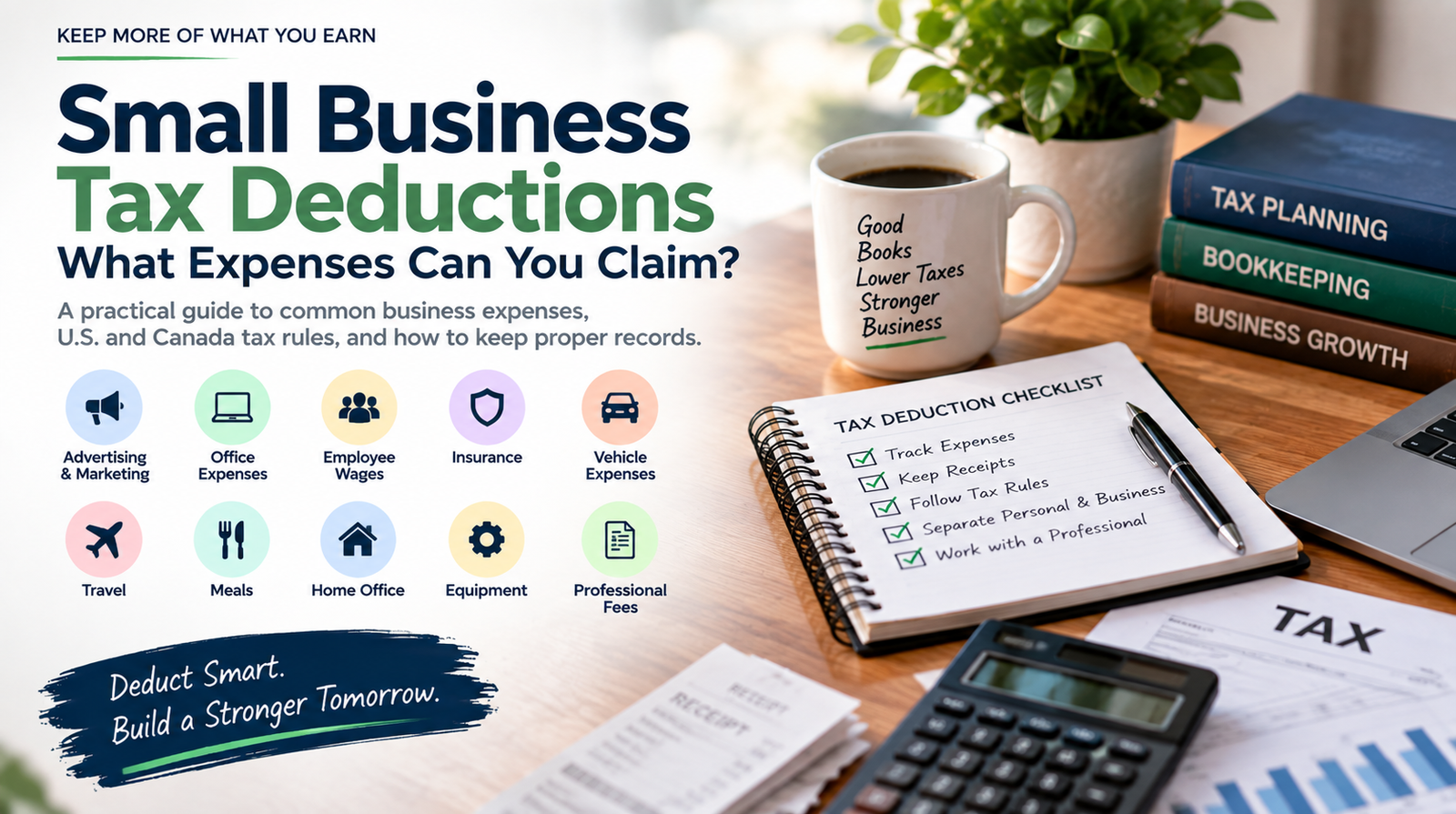
For a deeper review of expense categories, you can also refer to the small business tax deductions guide when reviewing potentially deductible business expenses.
Step 7: Investigate Uncategorized Transactions
Search your QuickBooks company file for:
- Uncategorized income
- Uncategorized expenses
- Suspense accounts
- Unknown vendors
- Missing customer names
- Transactions without descriptions
- Uncategorized deposits
- Uncategorized withdrawals
Do not simply assign an account to make the list disappear.
For each questionable transaction, determine:
- What was purchased or received?
- Who was involved?
- Was it business-related?
- Which accounting category is appropriate?
- Is supporting documentation available?
If you cannot determine the proper treatment, flag the transaction for your accountant or tax professional.
Step 8: Review Accounts Receivable
Run an accounts receivable aging report and review outstanding customer balances.
Look for:
- Old unpaid invoices
- Duplicate invoices
- Incorrect customer payments
- Credits that have not been applied
- Customer balances that need investigation
- Invoices recorded in the wrong period
Do not automatically write off an old invoice.
The tax treatment of bad debts depends on factors such as your accounting method and the applicable tax rules.
The purpose of the bookkeeping review is to make sure the underlying customer balances are accurate and properly documented.
Step 9: Review Accounts Payable
Next, review accounts payable.
Check:
- Outstanding vendor bills
- Duplicate bills
- Vendor credits
- Bills entered in the wrong period
- Unpaid expenses
- Personal expenses recorded as business bills
Make sure your books reflect the business obligations that actually existed during the reporting period.
If you use accrual accounting, the timing of expenses and liabilities can require additional attention.
Step 10: Review Payroll Records
Payroll records deserve special attention because payroll affects both your financial statements and tax reporting.
Compare your QuickBooks payroll records with payroll reports and tax filings.
Review:
- Gross wages
- Employee withholdings
- Employer payroll taxes
- Payroll tax liabilities
- Benefits
- Payroll payments
- Year-end payroll reports
- Payroll-related adjustments
Investigate unusual payroll liability balances before finalizing the books.
The IRS states that employment tax records generally need to be retained for at least four years.
Step 11: Review Contractor Payments
If your business paid independent contractors, review those transactions separately.
Confirm:
- Vendor names
- Vendor addresses
- Tax identification information where applicable
- Payment totals
- Payment categories
- Business purpose
- Supporting documentation
Make sure contractor payments are not mixed with employee payroll or personal expenses.
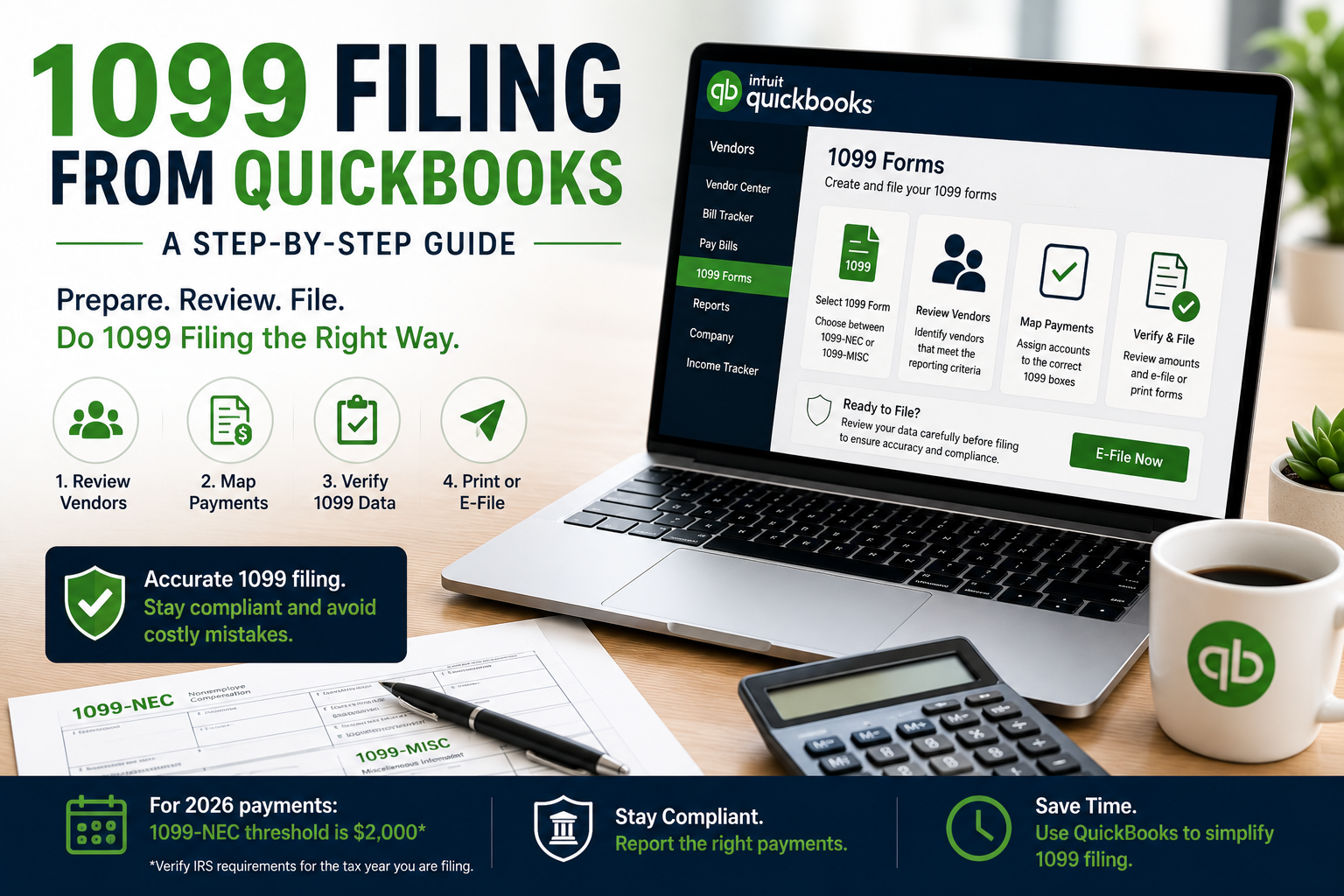
This review is especially useful before annual information-return preparation.
Step 12: Review Fixed Assets and Major Purchases
Check your records for significant purchases made during the tax year.
Examples include:
- Computers
- Machinery
- Vehicles
- Furniture
- Equipment
- Buildings
- Business improvements
Do not automatically record every major purchase as an ordinary expense.
Some purchases may need to be recorded as assets and handled differently for accounting and tax purposes.
Review:
- Purchase date
- Purchase price
- Asset category
- Financing
- Disposals
- Trade-ins
- Existing depreciation information
Your tax professional can determine the appropriate tax treatment and depreciation method.
Step 13: Review Business Loans and Interest
If your business has loans or financing, reconcile the loan balances.
Separate:
- Principal payments
- Interest
- Fees
- New loan proceeds
- Refinancing activity
A loan payment is not normally recorded entirely as an expense because the principal portion reduces the liability.
Review the lender’s year-end statement against your QuickBooks records.
Step 14: Separate Owner Transactions
Owner transactions can easily become mixed with normal business activity.
Review:
- Owner contributions
- Owner draws
- Distributions
- Personal purchases
- Personal payments made from business accounts
- Business expenses paid personally
The correct treatment depends on the business structure.
The objective at the bookkeeping stage is to identify and properly classify these transactions rather than allowing personal activity to remain inside ordinary business expense accounts.
Step 15: Review Inventory if Your Business Carries Stock
If your business maintains inventory, perform an appropriate year-end inventory review.
Compare:
- Physical inventory
- QuickBooks inventory
- Purchases
- Sales
- Returns
- Damaged goods
- Obsolete inventory
- Inventory adjustments
Inventory accounting can affect both the balance sheet and reported income.
Because inventory rules can vary depending on the business and accounting method, significant adjustments should be reviewed with your tax professional.
Step 16: Generate Your Key Financial Reports
Once transaction cleanup is substantially complete, generate your core financial reports.
Profit and Loss Statement
The Profit and Loss statement shows revenue and expenses for the reporting period.
Review:
- Total revenue
- Cost of goods sold
- Gross profit
- Operating expenses
- Net income
Compare the current year with the prior year and investigate unusually large changes.
Balance Sheet
The Balance Sheet provides a snapshot of:
- Assets
- Liabilities
- Equity
Pay particular attention to unusual balances in:
- Accounts receivable
- Accounts payable
- Loans
- Credit cards
- Fixed assets
- Owner equity
- Suspense accounts
Cash Flow Statement
The cash flow statement helps explain how cash moved through the business.
It can be particularly useful when a business has strong reported profits but limited cash.
For businesses that need more detailed reporting, professional business financial reports can provide a structured view of profitability, cash flow, assets, liabilities, and other financial information.
Step 17: Compare This Year’s Books With Last Year
Year-over-year comparison can reveal errors that are difficult to spot when looking only at the current year’s numbers.
Compare:
- Revenue
- Gross margin
- Payroll
- Rent
- Advertising
- Professional fees
- Insurance
- Interest
- Other major expenses
- Accounts receivable
- Accounts payable
- Loans
- Cash
For example, if advertising expense suddenly increases by several hundred percent, investigate the underlying transactions before assuming the increase is correct.
The goal is not to force this year’s numbers to match last year’s numbers. The goal is to identify changes that deserve an explanation.
Step 18: Organize Your Supporting Documents
Your bookkeeping records should be supported by documentation.
Depending on your business, this can include:
- Sales invoices
- Receipts
- Vendor bills
- Bank statements
- Credit card statements
- Deposit records
- Canceled checks
- Contracts
- Payroll reports
- Loan statements
- Asset purchase documents
- Mileage records
- Travel records
- Contractor records
- Tax forms
- Previous tax returns
The IRS specifically identifies invoices, receipts, paid bills, deposit slips, canceled checks, and similar documents as supporting records for business transactions.
The CRA similarly identifies invoices, purchase receipts, contracts, bank statements, canceled checks, financial statements, and other documentation as business records.
Step 19: Create a Tax-Ready Document Folder
Create a dedicated folder for the tax year.
A simple structure could be:
Tax Year
├── Bank Statements
├── Credit Cards
├── Income
├── Expenses
├── Payroll
├── Contractors
├── Fixed Assets
├── Loans
├── Inventory
├── Tax Forms
├── Financial Reports
└── Previous Tax Returns
For electronic records, make sure your files are accessible, readable, and backed up.
The CRA accepts paper records and accessible, readable electronic records, subject to its recordkeeping requirements.
Step 20: Back Up Your Final Tax-Ready Books
Once the cleanup is complete, create another backup.
Keep:
- A current QuickBooks company file backup
- Financial reports
- Supporting documents
- Tax-related records
- Copies of filed tax returns
- Relevant workpapers
Do not rely on a single copy of your accounting records.
U.S. and Canada: What Changes?
The bookkeeping preparation process is broadly similar in the United States and Canada, but the tax rules and recordkeeping requirements differ.
United States
The IRS requires businesses to maintain records that support income, deductions, credits, and other items reported on tax returns. It generally does not require one specific recordkeeping system as long as the system clearly shows income and expenses.
The retention period varies according to the type of document and the underlying tax situation. The IRS states that records supporting income, deductions, or credits generally should be kept until the applicable period of limitations expires.
Canada
The CRA requires businesses to maintain records that support their income and expense claims.
Canadian businesses generally need to keep business records for at least six years from the end of the related tax year, although specific situations can have additional requirements.
The CRA also requires records to be reliable, complete, supported by documents, and capable of providing the information needed to determine tax obligations and credits.
Common Bookkeeping Mistakes Before Tax Filing
1. Reconciling only the checking account
Credit cards, loans, payment processors, and other accounts can also contain important discrepancies.
2. Treating every bank deposit as revenue
Deposits can include transfers, loans, owner contributions, refunds, or other non-revenue items.
3. Recording every purchase as an expense
Some purchases may need to be treated as assets or otherwise handled differently.
4. Leaving personal expenses in business categories
Personal transactions should not remain mixed into ordinary business expenses.
5. Ignoring old accounts receivable
Old customer balances should be reviewed rather than automatically written off.
6. Forgetting contractor records
Contractor information can become difficult to reconstruct if it is not maintained throughout the year.
7. Ignoring unusual financial-report balances
A strange balance can indicate a bookkeeping error that should be investigated before filing.
8. Making unsupported tax adjustments
Do not change accounting records solely to produce a desired tax result without appropriate documentation and professional guidance.
9. Waiting until the filing deadline
Trying to reconcile an entire year of transactions immediately before filing increases the chance of errors and missing documentation.
What Should You Give Your Tax Professional?
Once your books are ready, prepare a tax-preparation package.
It may include:
- Final Profit and Loss statement
- Balance Sheet
- General ledger
- Trial balance, where applicable
- Bank reconciliation reports
- Credit card reconciliations
- Accounts receivable aging
- Accounts payable aging
- Payroll reports
- Contractor information
- Fixed-asset schedule
- Loan statements
- Inventory information
- Business expense documentation
- Prior-year tax return
- Other tax forms
- Supporting receipts and invoices
- Notes about unusual transactions
Your tax professional may request additional information depending on your business structure and tax return.
What If Your Books Are Behind?
If your books are months behind, do not start by trying to prepare the tax return.
Start by bringing the accounting records up to date.
A practical order is:
- Collect bank and credit card statements.
- Enter missing transactions.
- Reconcile bank accounts.
- Reconcile credit cards.
- Review income.
- Review expenses.
- Resolve uncategorized transactions.
- Review accounts receivable.
- Review accounts payable.
- Review payroll and contractor records.
- Review assets and loans.
- Generate financial reports.
- Organize supporting documents.
- Back up the completed QuickBooks file.
If the backlog is substantial, professional accounting services can help review the books, organize financial records, and prepare the accounting information needed for tax filing.
How Often Should You Prepare Your Books for Tax Filing?
Ideally, tax preparation should be the final stage of an ongoing bookkeeping process rather than a once-a-year cleanup project.
A useful routine is:
Daily or weekly
- Record income
- Record expenses
- Capture receipts
- Enter invoices and bills
- Review new transactions
Monthly
- Reconcile bank accounts
- Reconcile credit cards
- Review accounts receivable
- Review accounts payable
- Check payroll liabilities
- Review financial reports
Quarterly
- Review profitability
- Review tax-related transactions
- Check estimated tax obligations where applicable
- Review unusual transactions
- Update financial reports
Before annual tax filing
- Complete final reconciliations
- Review all major accounts
- Check fixed assets
- Review contractor records
- Generate final financial reports
- Organize tax documentation
- Back up the company file
This approach reduces the amount of work required when tax filing season arrives.
Frequently Asked Questions
How do I prepare my books for tax filing?
Start by confirming the correct tax period, backing up your QuickBooks file, reconciling bank and credit card accounts, reviewing income and expenses, checking accounts receivable and payable, reviewing payroll and contractor records, checking assets and loans, generating financial reports, and organizing supporting documents.
What QuickBooks reports do I need for tax filing?
Commonly requested reports include the Profit and Loss statement, Balance Sheet, General Ledger, Trial Balance where applicable, accounts receivable and payable reports, payroll reports, and fixed-asset information. Your tax professional may request additional reports based on your business.
Should I reconcile my bank account before filing taxes?
Yes. Bank reconciliation helps identify missing, duplicated, or incorrectly recorded transactions before financial reports are finalized.
What documents should I keep for my small business taxes?
Keep documents that support business income, expenses, assets, payroll, loans, and other tax-related transactions. Examples include invoices, receipts, bank statements, bills, deposit records, canceled checks, contracts, payroll reports, and asset purchase documents.
How long should I keep business records?
The required retention period depends on the country, document, and tax situation. In the U.S., the IRS generally ties retention to the applicable period of limitations. In Canada, businesses generally need to keep records for at least six years from the end of the related tax year, subject to specific rules and exceptions.
Can I prepare my books myself before tax filing?
Yes, many small businesses maintain their own books using accounting software. However, complicated transactions, significant cleanup issues, inventory, payroll, assets, or uncertain accounting treatments may warrant professional review.
What should I do if my QuickBooks records are incomplete?
Identify the missing records, reconcile the affected accounts, correct obvious errors, organize supporting documentation, and generate updated financial reports. If the backlog is substantial, consider professional bookkeeping or accounting assistance before preparing the tax return.
Final Tax-Ready Books Checklist
Before handing your books to your tax professional, confirm:
- Correct tax period confirmed
- QuickBooks company file backed up
- All bank accounts reconciled
- Credit cards reconciled
- Income reviewed
- Expenses reviewed
- Uncategorized transactions investigated
- Accounts receivable reviewed
- Accounts payable reviewed
- Payroll records reviewed
- Contractor records reviewed
- Fixed assets reviewed
- Loans reviewed
- Owner transactions reviewed
- Inventory reviewed where applicable
- Profit and Loss generated
- Balance Sheet generated
- Other requested financial reports generated
- Supporting documents organized
- Tax-related records backed up
- Unusual transactions identified for professional review
Final Takeaway
Preparing your books for tax filing is primarily about creating complete, reconciled, well-supported financial records before the tax return is prepared.
The process starts with your QuickBooks transactions but extends to bank reconciliations, credit cards, income, expenses, payroll, contractors, assets, loans, owner transactions, financial reports, and supporting documentation.
The IRS emphasizes that good records should support income, expenses, deductions, credits, financial statements, and tax-return entries. The CRA similarly requires businesses to maintain reliable records and supporting documentation for their tax obligations.
If you keep your books current throughout the year, tax preparation becomes a review and reporting process instead of a last-minute bookkeeping cleanup.
For businesses that need help getting their QuickBooks records organized before filing, taxation services can provide support with tax-ready records, financial reports, bookkeeping cleanup, and preparation-related accounting tasks.
Sources:
https://www.irs.gov/businesses/small-businesses-self-employed/recordkeeping