
Company File Data
Recover or restore usable QuickBooks company file information when a viable recovery source is available.
Recover access to damaged, corrupted, deleted, or inaccessible QuickBooks company files with professional data recovery support. We help businesses in the USA and Canada assess QuickBooks data problems, identify available recovery options, and restore usable accounting information whenever possible.
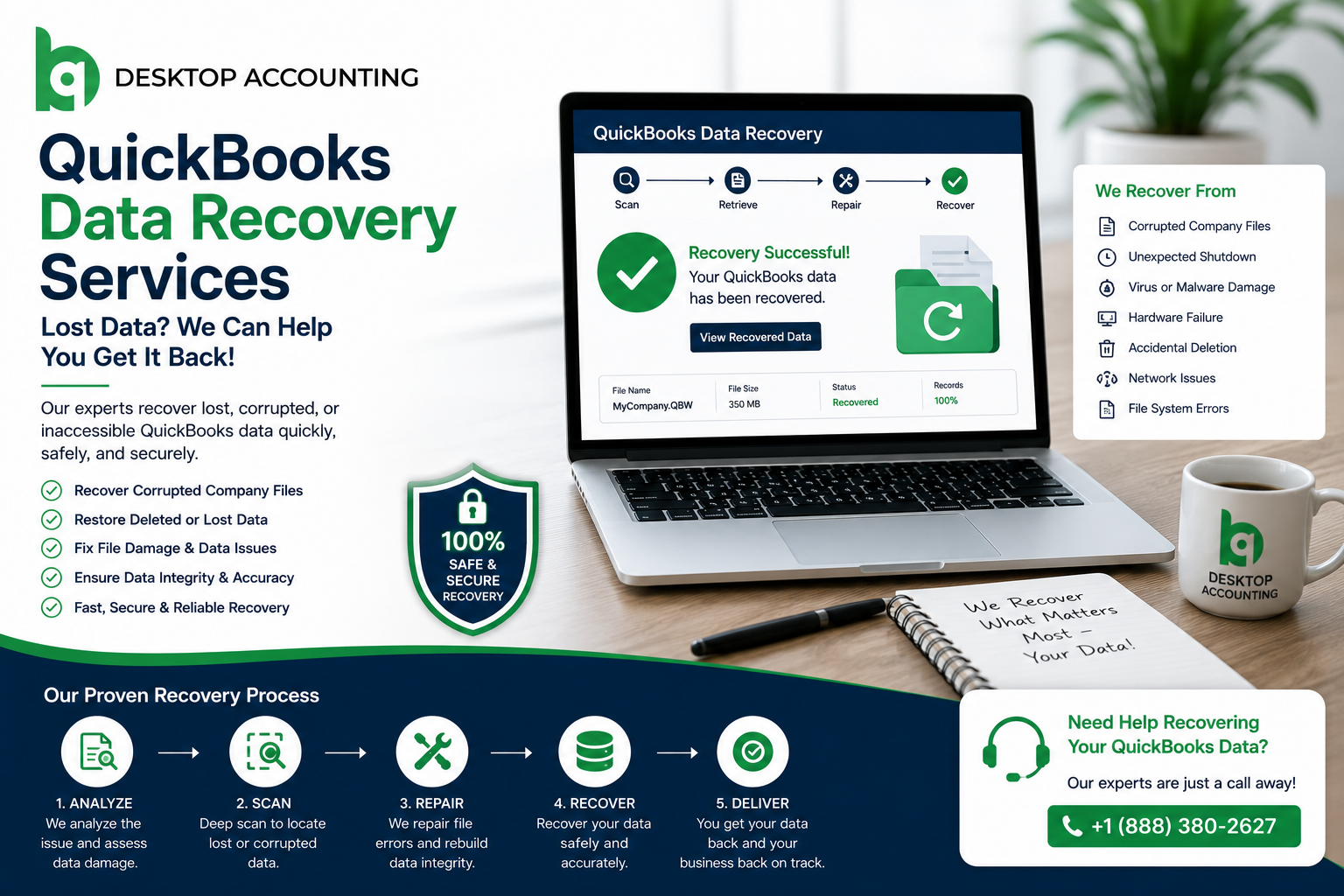

When a QuickBooks company file becomes inaccessible, damaged, or corrupted, the problem can affect much more than bookkeeping. Businesses may lose access to invoices, payments, customer records, vendor information, payroll data, bank transactions, and financial reports.
Our QuickBooks data recovery service helps identify the condition of your accounting data and determine the most appropriate recovery approach. Depending on the situation, this may involve working with an existing backup, reviewing available recovery files, repairing data corruption, or recovering information from a damaged company file.
We support businesses and accounting professionals across the USA and Canada with a structured recovery process designed to protect the integrity of available accounting information.
Your QuickBooks company file contains financial information that your business may rely on for bookkeeping, invoicing, payroll, reconciliations, financial reporting, and tax preparation.
When that data becomes inaccessible, restoring normal accounting operations becomes the priority.

Businesses often notice warning signs before major data loss occurs. Identifying these issues early improves recovery success rates.
Data recovery requires more than simply opening an old backup. The right approach depends on what happened to the company file, what recovery copies are available, and whether the original accounting data is still accessible.
We begin by understanding the problem and reviewing the available recovery sources before recommending the next step. This helps avoid unnecessary changes to the original data and gives your business a clearer recovery path.
The appropriate recovery method depends on the condition of the QuickBooks company file and the recovery sources available.

The information that can be recovered depends on the condition of the company file, the available backups or recovery sources, and the type of damage. We assess the available data before determining what can reasonably be restored.
Recover or restore usable QuickBooks company file information when a viable recovery source is available.
Review available invoices, payments, deposits, expenses, and other accounting transactions.
Recover available customer information and related accounting records.
Restore available vendor information and associated transactions where supported by the recovery source.
Review available payroll related accounting information when it is contained in the recoverable data.
Assess available banking transactions, reconciliations, and related accounting information.
Review recoverable inventory items, quantities, and related records where supported.
Validate available account balances and financial reports after recovery.
We use a structured recovery process to understand the problem before making changes to your accounting data.
We review the symptoms, QuickBooks version, company file type, error messages, and available recovery sources.
We identify available .QBB backups, recovery copies, or other usable sources before deciding how to proceed.
We determine whether the problem appears to involve file corruption, missing data, damaged storage, or another accessibility issue.
We use the appropriate recovery or repair approach based on the condition of the data.
We review available accounting records and compare important information where possible.
Once the recovery work is complete, we help you understand the recovered file and next steps.
Here is a quick breakdown of the data recovery services we provide:
| Data Type | Recovery Focus |
|---|---|
| Company File | Damaged or inaccessible QuickBooks company data |
| Transactions | Invoices, payments, deposits and other available transactions |
| Customers | Customer records and related accounting information |
| Vendors | Vendor records and transactions |
| Payroll | Available payroll related accounting information |
| Banking | Available bank transactions and reconciliation information |
| Inventory | Recoverable inventory records and quantities |
| Reports | Account balances and financial reports available from the recovered data |
Thank you for your assistance today with our QB. The QuickBooks issue has been resolved.
Alice Harwood,Harwood Accounting ServicesThe QuickBooks issue has been resolved! Roger McDonald did a wonderful job! He took his time to explain everything and how things were going throughout the process.
Kerri EckenrodeR. L. Snyder Electric, Inc.Clear answers for lost, corrupted, or inaccessible QuickBooks files before you request recovery help.
Book Free ConsultationWe will answer any questions you may have about our services
Book Free ConsultationFrom data repair and conversion to bookkeeping and tax filing — our certified ProAdvisors are ready to simplify your finances.
Fill in the details below and a QuickBooks expert will reach out within one business hour.