

Company Information
Company details and supported company file information.
Move your accounting data between QuickBooks versions, QuickBooks Desktop and Online, or supported accounting platforms with a structured migration process. QB Desktop Accounting helps businesses in the USA and Canada plan, transfer, validate, and organize their financial data while minimizing disruption to daily accounting operations.
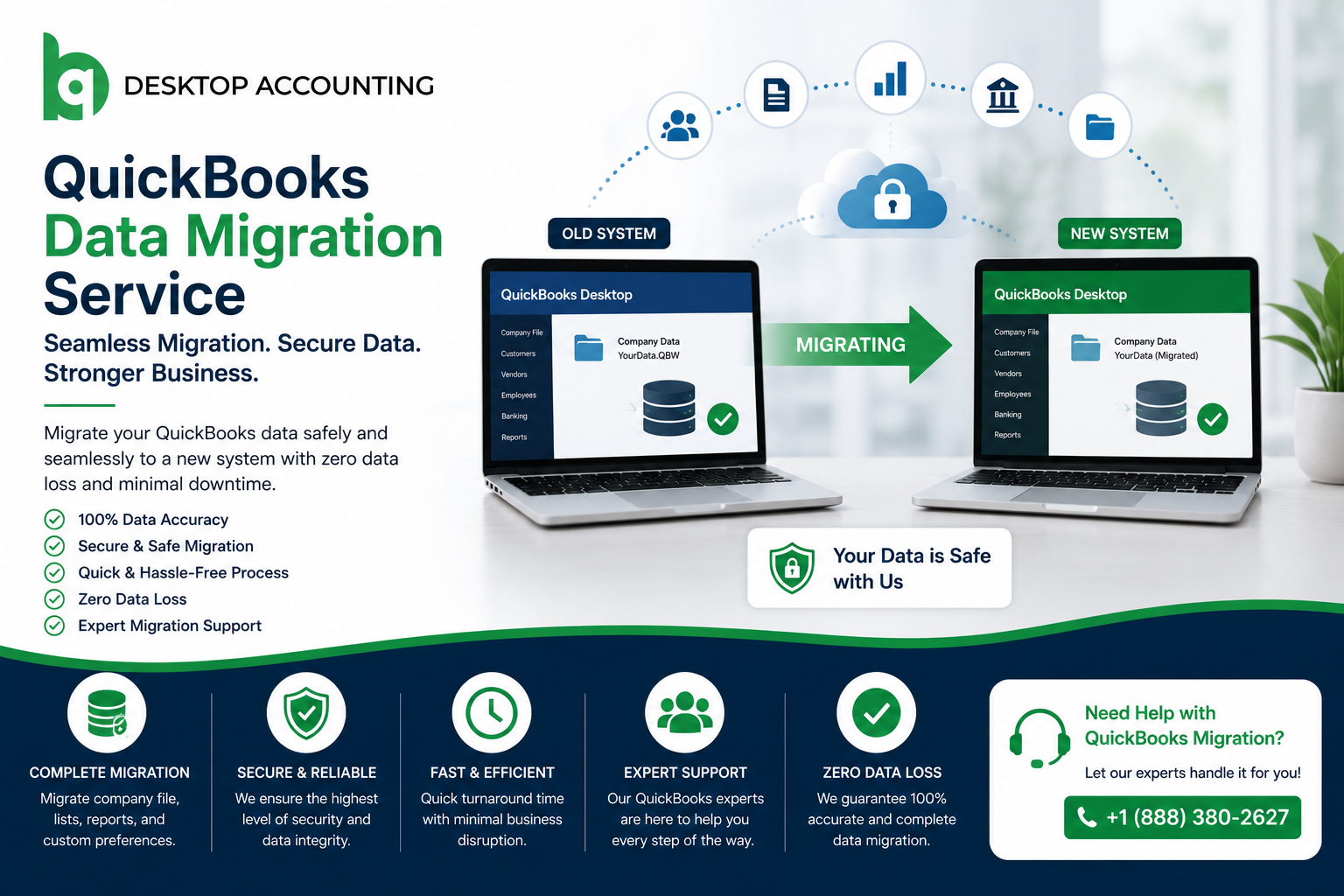

Moving accounting data is more than copying a company file from one location to another. Different QuickBooks products and accounting platforms can handle features, records, and workflows differently.
Our migration team helps businesses assess their current setup, prepare the data, plan the transfer, and review important accounting information after migration. Whether you are upgrading QuickBooks Desktop, moving to QuickBooks Online, changing computers, or transitioning from another accounting system, we help you understand the migration requirements before the transfer begins.
Our services are designed for small businesses, growing companies, accountants, bookkeepers, and organizations across the United States and Canada.
Different businesses have different migration requirements. Depending on the source system, destination, QuickBooks version, and data structure, we can help plan and manage migrations involving:

Moving from QuickBooks Desktop to QuickBooks Online can give businesses access to cloud based accounting and easier access to their books across supported devices. However, the migration should be planned around the version of QuickBooks you use, the size and structure of your company file, and the features your business relies on.
Our team helps businesses prepare their QuickBooks Desktop data, review migration requirements, transfer supported information, and validate important accounting records after the move.
Every migration project has different requirements. A small business moving from an older Desktop version may need a very different approach from an accounting firm managing multiple company files or a growing business moving to QuickBooks Online.
We focus on understanding the source and destination systems before migration begins. This allows us to identify compatibility concerns, prepare the data, plan the transfer, and review important accounting records after migration.

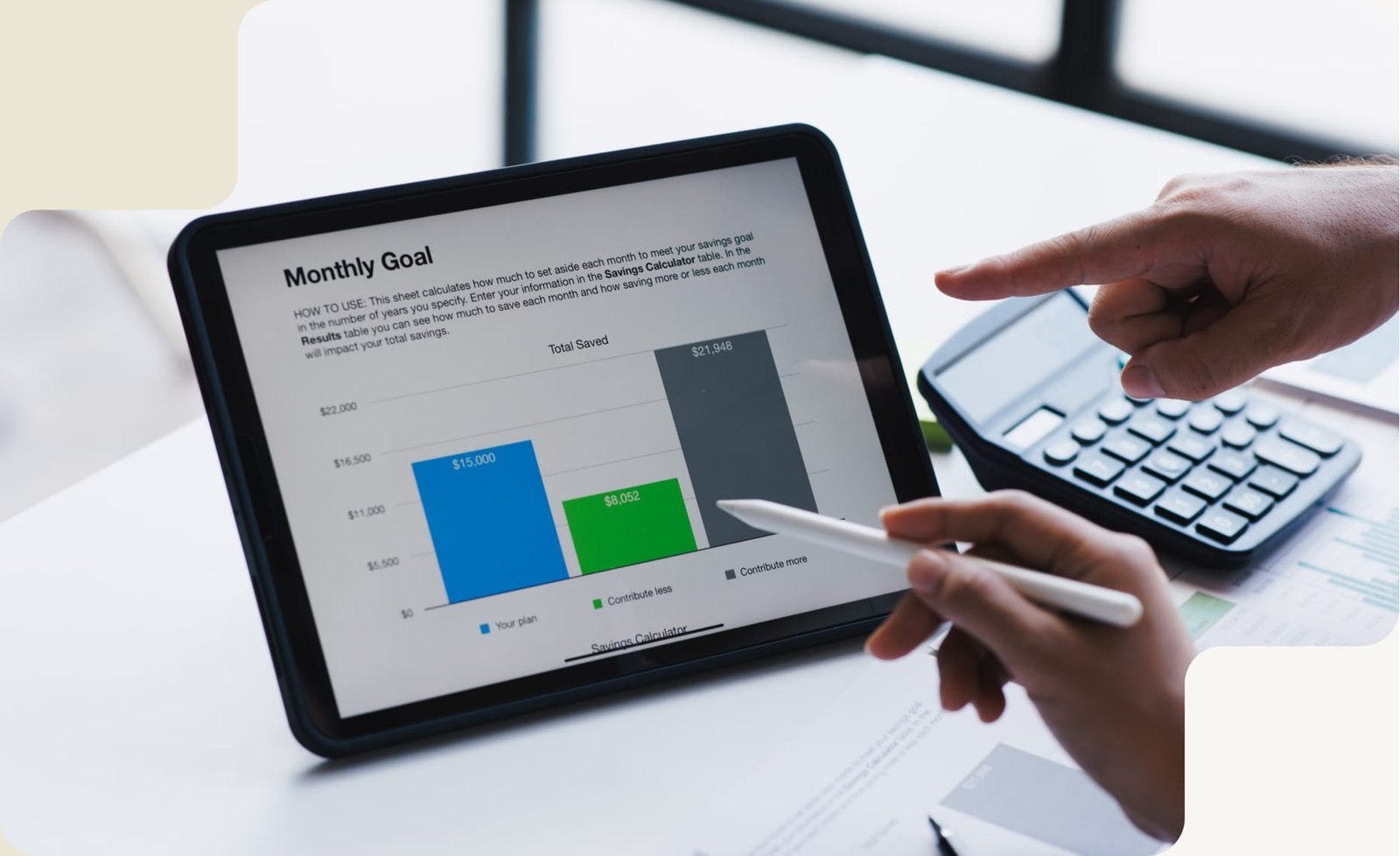
A successful migration starts before the data is transferred. We review the existing environment, prepare the information, perform the migration, and validate key accounting records before handover.
The information that can be transferred depends on the source system, QuickBooks product, version, destination environment, and migration method. Before starting a project, we review which records are supported and identify any information that may require separate handling.
Company details and supported company file information.

Accounts and related accounting structures supported by the migration method.

Customer, vendor, contact, and related list information where supported.

Invoices, payments, expenses, deposits, and other supported transaction history.
Applicable bank transactions and banking related accounting records.
Supported inventory items, quantities, and related information.
Applicable payroll records and setup information, subject to the source and destination environment.
Important financial reports and account balances used for post migration validation.
Important Note: Not every QuickBooks feature transfers in the same way between Desktop and Online. Some data may change format, require additional setup, or need manual review after migration. Intuit specifically documents differences between Desktop and Online features and data transfer.
Migration is not complete simply because the data appears in the new system. The destination company should be reviewed before normal accounting work resumes.
The exact validation checklist depends on the source and destination systems. A post migration review helps identify discrepancies or configuration issues before they affect regular bookkeeping and reporting.
This is especially important for Desktop to Online migrations because Intuit documents differences between the two products and notes that some features do not transfer in exactly the same way.
Have questions before moving data? These answers explain the key details, risks, and benefits of professional QuickBooks migration.
Ask an ExpertWe will answer any questions you may have about our services
Book Free ConsultationFrom data repair and conversion to bookkeeping and tax filing — our certified ProAdvisors are ready to simplify your finances.
Fill in the details below and a QuickBooks expert will reach out within one business hour.