
Home / Services / QuickBooks Data Migration Service
QuickBooks Data Migration Service
Move your accounting data between QuickBooks versions, QuickBooks Desktop and Online, or supported accounting platforms with a structured migration process. QB Desktop Accounting helps businesses in the USA and Canada plan, transfer, validate, and organize their financial data while minimizing disruption to daily accounting operations.
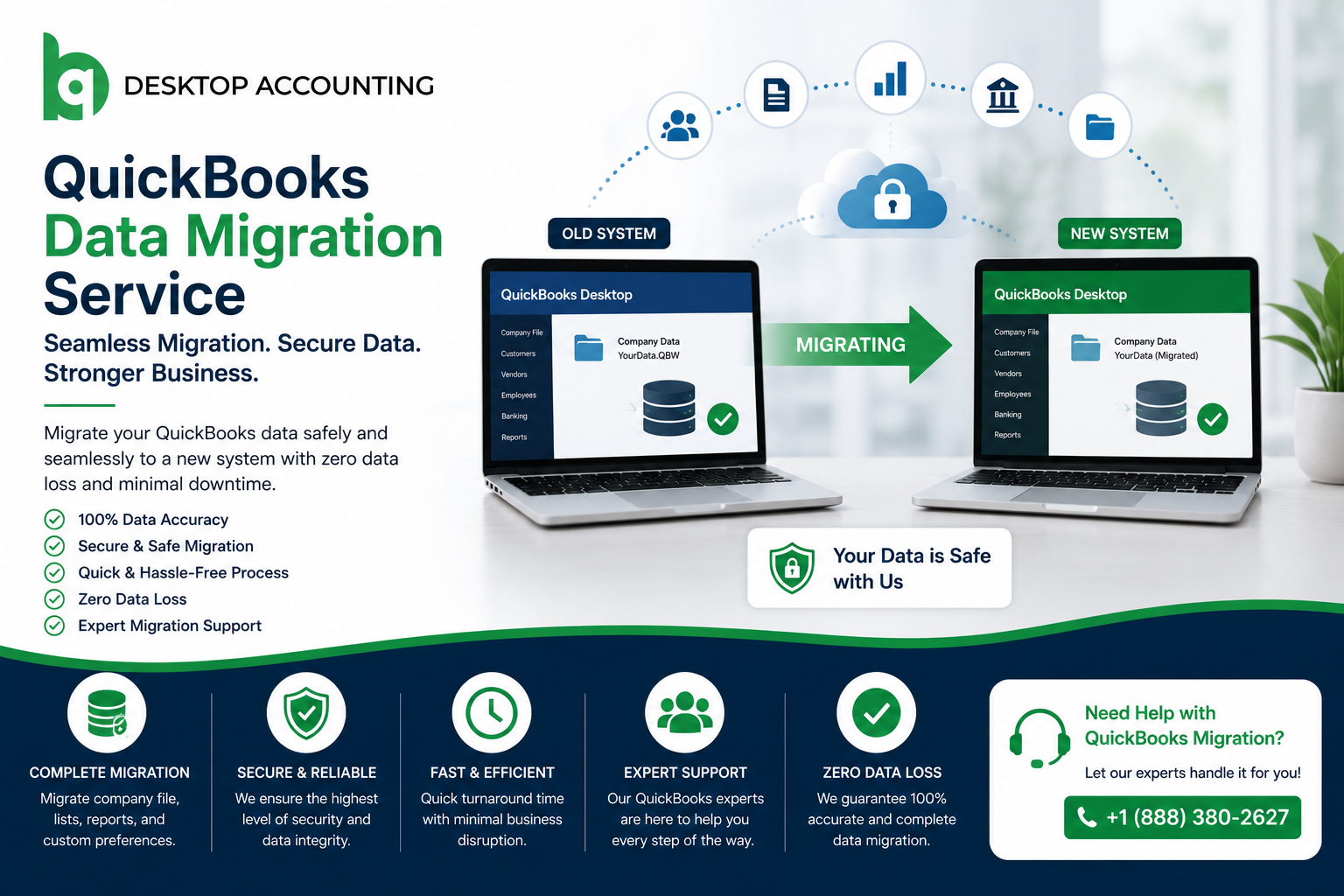

Professional QuickBooks Data Transfer & Migration Services
Moving accounting data is more than copying a company file from one location to another. Different QuickBooks products and accounting platforms can handle features, records, and workflows differently.
Our migration team helps businesses assess their current setup, prepare the data, plan the transfer, and review important accounting information after migration. Whether you are upgrading QuickBooks Desktop, moving to QuickBooks Online, changing computers, or transitioning from another accounting system, we help you understand the migration requirements before the transfer begins.
Our services are designed for small businesses, growing companies, accountants, bookkeepers, and organizations across the United States and Canada.
Professional QuickBooks Data Migration Services
Different businesses have different migration requirements. Depending on the source system, destination, QuickBooks version, and data structure, we can help plan and manage migrations involving:
We provide migration support for:

QuickBooks Desktop to Online Migration
Moving from QuickBooks Desktop to QuickBooks Online can give businesses access to cloud based accounting and easier access to their books across supported devices. However, the migration should be planned around the version of QuickBooks you use, the size and structure of your company file, and the features your business relies on.
Our team helps businesses prepare their QuickBooks Desktop data, review migration requirements, transfer supported information, and validate important accounting records after the move.
- QuickBooks Desktop company file assessment
- Migration readiness review
- Data preparation and cleanup
- Desktop to Online transfer
- Customer and vendor data review
- Transaction and account validation
- Report and balance review
- Post-migration support

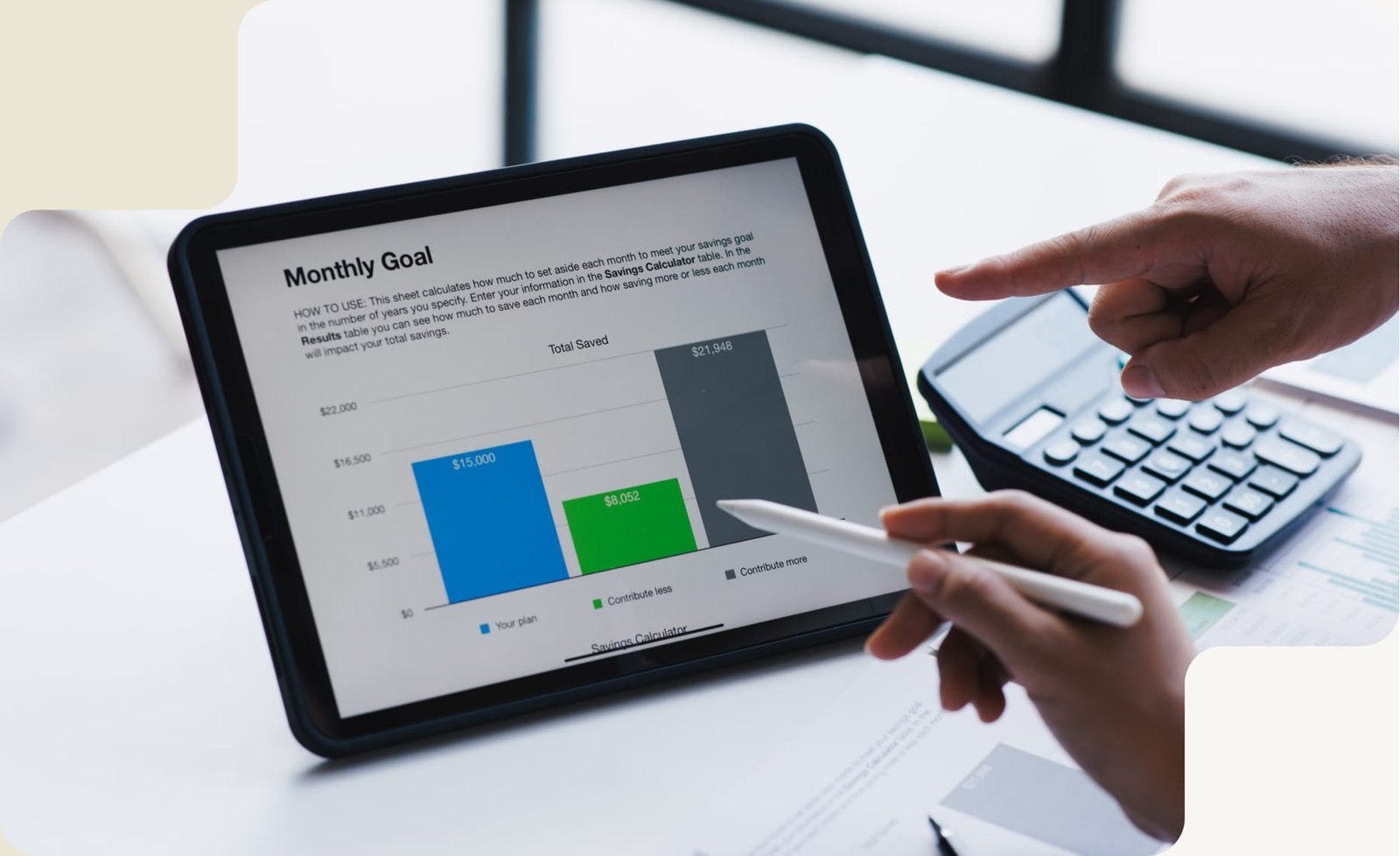
Why Businesses in the USA & Canada Choose Our QuickBooks Data Migration Services
Every migration project has different requirements. A small business moving from an older Desktop version may need a very different approach from an accounting firm managing multiple company files or a growing business moving to QuickBooks Online.
We focus on understanding the source and destination systems before migration begins. This allows us to identify compatibility concerns, prepare the data, plan the transfer, and review important accounting records after migration.
Migration Planning
Understand your current system, destination platform, file structure, and business requirements before the transfer.
Data Integrity Checks
Review important accounting records and identify potential issues before and after migration.
Business-Focused Support
Help businesses and accounting professionals across the USA and Canada transition their accounting data with less disruption.
A Structured QuickBooks Data Migration Process
A successful migration starts before the data is transferred. We review the existing environment, prepare the information, perform the migration, and validate key accounting records before handover.
- Migration AssessmentReview your QuickBooks version, company file structure, destination platform, data volume, and migration requirements.
- Backup & PreparationCreate an appropriate backup and prepare the source data before migration begins. QuickBooks recommends creating a backup before moving company data.
- Data Review & CleanupIdentify duplicate, inconsistent, or problematic records that could affect the migration.
- Migration ExecutionTransfer the supported accounting data using the appropriate migration method for the source and destination systems.
- Testing & ValidationReview key accounts, balances, transactions, reports, payroll information, and other relevant records after migration.
- Post Migration SupportHelp your team understand the migrated environment and address eligible post migration issues.
What Data Can Be Migrated to QuickBooks?
The information that can be transferred depends on the source system, QuickBooks product, version, destination environment, and migration method. Before starting a project, we review which records are supported and identify any information that may require separate handling.

Company Information
Company details and supported company file information.

Chart of Accounts
Accounts and related accounting structures supported by the migration method.

Customers & Vendors
Customer, vendor, contact, and related list information where supported.
Transactions
Invoices, payments, expenses, deposits, and other supported transaction history.
Banking Information
Applicable bank transactions and banking related accounting records.
Inventory
Supported inventory items, quantities, and related information.
Payroll Data
Applicable payroll records and setup information, subject to the source and destination environment.
Reports
Important financial reports and account balances used for post migration validation.
Important Note: Not every QuickBooks feature transfers in the same way between Desktop and Online. Some data may change format, require additional setup, or need manual review after migration. Intuit specifically documents differences between Desktop and Online features and data transfer.
What Happens After Your QuickBooks Data Is Migrated?
Migration is not complete simply because the data appears in the new system. The destination company should be reviewed before normal accounting work resumes.
The exact validation checklist depends on the source and destination systems. A post migration review helps identify discrepancies or configuration issues before they affect regular bookkeeping and reporting.
This is especially important for Desktop to Online migrations because Intuit documents differences between the two products and notes that some features do not transfer in exactly the same way.
After migration, we can help review:
Frequently Asked Questions About QuickBooks Data Migration
Have questions before moving data? These answers explain the key details, risks, and benefits of professional QuickBooks migration.
What is QuickBooks data migration?
QuickBooks data migration is the process of transferring accounting information from one QuickBooks version, environment, or supported accounting platform to another. Depending on the migration, this may involve company information, accounts, customers, vendors, transactions, invoices, payroll related data, inventory, and other supported records.
Can you migrate QuickBooks Desktop to QuickBooks Online?
Yes. QuickBooks Desktop to QuickBooks Online migration is one of the common migration scenarios we support. The available migration options and transferable data depend on the QuickBooks version, company file, and destination setup. Intuit provides specific migration requirements and tools for supported Desktop to Online moves.
Can QuickBooks Online data be migrated to QuickBooks Desktop?
Some QuickBooks Online data can be transferred to QuickBooks Desktop, but the process has limitations because the two products use different data structures and features. The available options depend on the accounts, versions, file size, and destination environment.
What information can be transferred during QuickBooks migration?
Depending on the migration method, supported information may include accounts, customers, vendors, invoices, payments, transactions, inventory, banking information, payroll related records, and financial data. The exact data set should be reviewed before migration because not every feature transfers between QuickBooks products in the same way.
Will my historical transactions transfer to QuickBooks Online?
Historical transactions may transfer when using a supported Desktop to Online migration method, but the exact result depends on the company file and migration option selected. Intuit provides different migration choices, including moving company data or, in some cases, lists and balances.
Do I need to back up my QuickBooks company file before migration?
Yes. Creating a backup before migration is a sensible precaution. QuickBooks recommends creating a backup company file when moving accounting data, and a backup can provide a recovery point if something goes wrong during the process.
How long does QuickBooks data migration take?
Migration time varies depending on the size and complexity of the company file, the source and destination systems, the amount of data being transferred, and any cleanup or compatibility work required. A more accurate estimate can be provided after reviewing the migration requirements. Intuit also notes that Desktop to Online migration time depends on the size and complexity of the company file.
Can you migrate data from another accounting software to QuickBooks?
Migration from another accounting platform may be possible depending on the source software, available export options, data structure, and QuickBooks destination. Each project should be assessed before migration so the transferable data and any conversion requirements are understood.
What happens if my QuickBooks data has errors before migration?
Data issues should ideally be identified before migration. Depending on the problem, the file may require cleanup, verification, repair, or recovery before the transfer. Moving problematic data without assessing it first can create additional migration challenges.
Do you provide QuickBooks migration services in the USA and Canada?
Yes. QB Desktop Accounting provides QuickBooks data migration support for businesses and accounting professionals in the United States and Canada. Migration requirements can vary based on the QuickBooks product, country or region, source system, destination system, and business setup.
Get advice from your experts.
We will answer any questions you may have about our services